
E-mail address
designs@hexspurdesigns.com
nanoCAD 26 Module
nanoCAD
Construction

AEC drafting utilities and a library of parametric elements that automate construction drawings and documentation.

Overview
Faster Construction
Drawings
Drawings
The Construction module extends the nanoCAD Platform with AEC drafting utilities and a library of standard parametric elements. It is designed to automate the preparation of construction drawings and documentation.
Smart drawing elements, a powerful table editor, automatic reports and parametric title blocks take over the repetitive parts of building documentation.
Latest Release
What’s New in
Construction
Construction
- Improvements to tables
- Conversion of multi leaders to nanoCAD leaders
- Clear room finishes
- Pick from drawing: viewport property reading
Key Features
Automate the
Routine Work
Routine Work
Smart Drawing Elements
A large set of smart elements automates layout generation, sectioning and detailing of buildings.
Smart Drawing & Editing Utilities
Turn table-like lines and text into table objects, number drawing objects automatically and create custom parametric objects.
Powerful Table Editor
Generate tables of any complexity, convert tables imported from other CAD programs, and recognize tables made from primitives.
Automatic Reports
Create reports from lists, specifications and object data in drawings, and update them as object properties change.
Architectural Layouts
Straight and arc walls that join automatically, multi-layer wall templates, and doors and windows from a built-in database.
Engineering Networks
Tools for internal communications, HVAC and gas supply networks, with templates for traces, equipment and connectors.
Architectural Layouts
Plan Buildings With
Discipline-specific Tools
Discipline-specific Tools
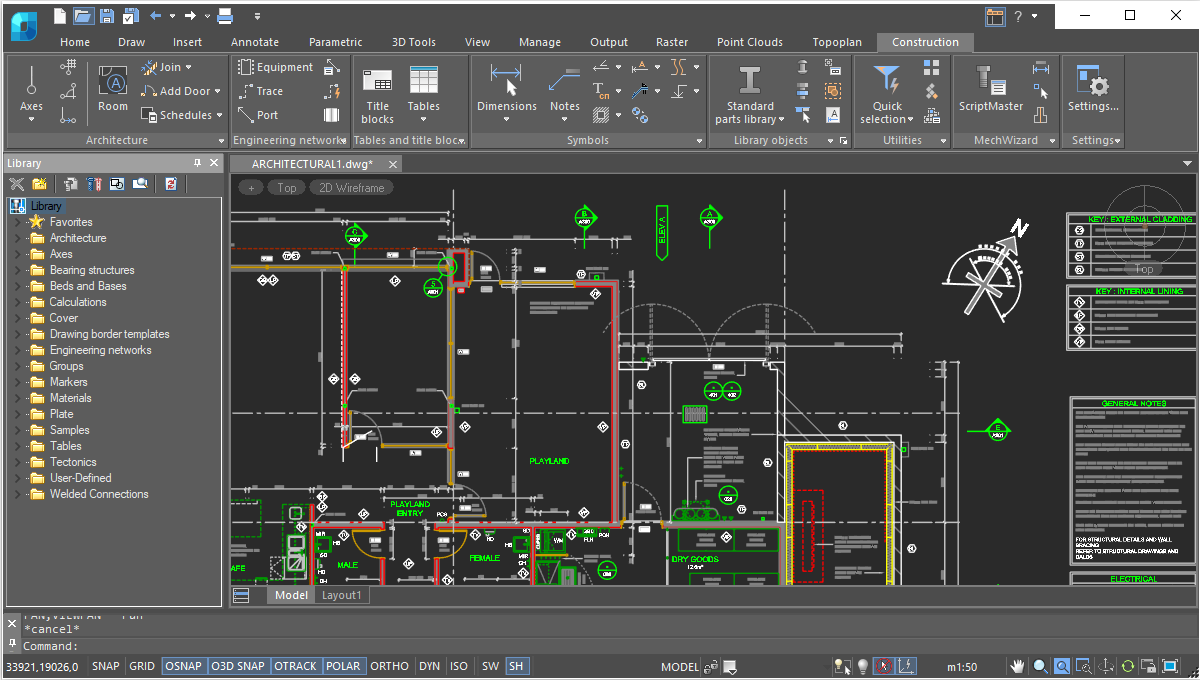
Lay out building plans using walls, doors and windows that behave like building elements rather than loose lines.
- Straight and arc-shaped walls that join automatically
- Custom wall templates defining geometry, attributes and multi-layer (ply) construction
- Edit walls with trim, break and join commands, or by using grips
- Insert windows and doors from the built-in component database
- Engineering networks: internal communications, HVAC and gas supply
Tables & Reports
Tables and Reports
That Update Themselves
That Update Themselves
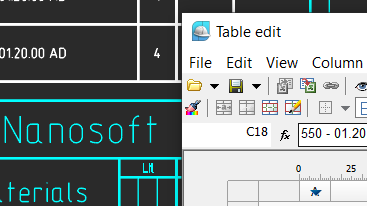
Built-in tools generate tables and reports from the data in your drawing, with no programming needed.
- In-place table editing, pencil sketching in cells and cell styles
- Table headers and footers; value rounding and line weights
- Generate analyses directly from rooms in drawings
- Reports update automatically as object properties change
- Save reports as templates for other drawings
Borders & Title Blocks
Parametric Borders
and Title Blocks
and Title Blocks
Drawing borders and title blocks are parametric, which saves time when completing drawings.
- Multi-view borders use dedicated grips and switches to change size, format and orientation
- Special grips change aspects of title blocks
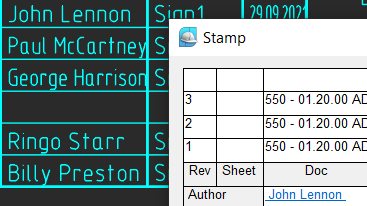
- Stamps dialog box fills in reusable text in title blocks
- Create your own parametric borders and stamps with the Format and Stamp Wizard
FAQs
Frequently Asked
Questions
Questions
It extends the nanoCAD Platform with AEC drafting utilities and a library of parametric elements to automate construction drawings and documentation.
Yes. Straight and arc-shaped walls join automatically, wall templates can define multi-layer construction, and doors and windows come from a built-in component database.
Yes. Reports can update automatically as the properties of objects change, and can be saved as templates for use in other drawings.
No. The reporting functions are available to all users with no programming needed.
Contact
Ready to switch
to nanoCAD?
to nanoCAD?
Share your requirement and our engineers will reply with a clear scope, timeline and quote.