
E-mail address
designs@hexspurdesigns.com
nanoCAD 26 Module
nanoCAD
Topoplan

Digital terrain modelling and documentation tools that make surveyors’ work more efficient.

Overview
Terrain Models
for Surveyors
for Surveyors
The Topoplan module extends the nanoCAD Platform with tools for digital terrain modelling and documentation. It is designed to make the work of surveyors more efficient.
Build surfaces from points, point clouds and elevation grids, construct contours and profiles, and calculate volumes for excavation works.
Latest Release
What’s New in
Topoplan
Topoplan
- Map underlay
- Cropping underlay
- Contour lines
- Geo calculator
- Project location
- Block elevation attributes management
- KML/KMZ file import
- Area calculation
- Surface boundary extraction
Key Features
From Survey Points
to Finished Plans
to Finished Plans
Advanced Surface Creation
Create TINs by points, explode clouds into points, import elevation grids, and convert models to 3D faces, submeshes and polyface meshes.
Civil 3D Object Support
Objects made in Civil 3D are displayed instead of showing as proxy graphics; the Properties panel edits their properties and display style.
Textures on Meshes
Flat texture overlay from point clouds, raster texture mapping, and mesh colouring by height.
Volume Calculations
Calculate volumes between models: total, difference and balanced volumes for excavation works.
Multiple Data Sources
Build terrain models from text-file points, DEM imports, and points unloaded from point clouds.
Surface & Contour Tools
Flip and delete edges, edit vertexes, add structure lines and remove faces with edges of a certain length through mesh boundaries.
Digital Terrain Models
Build Surfaces
From Any Survey Data
From Any Survey Data
Create digital terrain models from multiple data sources and then refine the surface.
- Import points from text files (XYZ, TXT) and import DEM data
- Unload points from previously imported point clouds
- Create TINs by points or import elevation grids
- Add structure lines, move vertexes and flip or delete edges
Relief & Contours
Contours, Profiles
and Volumes
and Volumes
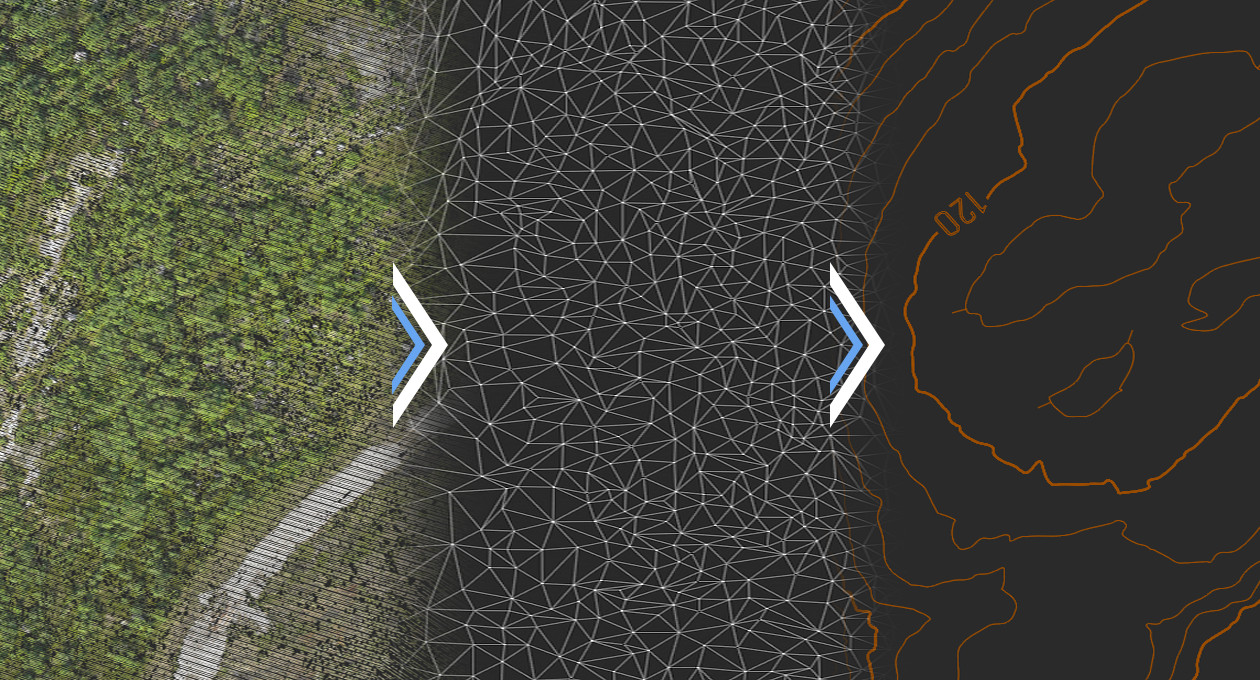
Tools for working with relief elements and finishing terrain documentation.
- Construct and remove contour lines, with bergstriches (hatching) and labels
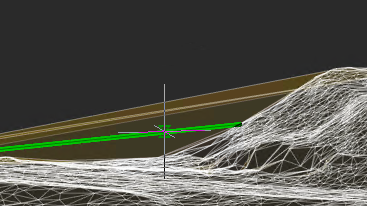
- Build profile lines and generate 3D polylines on meshes
- Calculate total, difference and balanced volumes for excavation works
- Colour surfaces by elevation or apply raster textures
Maps & Location
Map Underlays
and Geo Tools
and Geo Tools
New tools in this release help you position and document survey drawings.
- Map underlay and cropping underlay
- Geo calculator and project location
- KML/KMZ file import
- Area calculation and surface boundary extraction
- Block elevation attributes management
Import & Export
Exchange Data With
GIS and Survey Tools
GIS and Survey Tools
| Option | What it does |
|---|---|
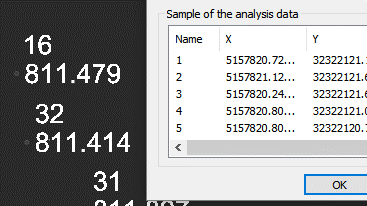
| Import geopoints | Imports text files in XYZ and TXT formats |
| Import from LandXML | Imports surfaces in LandXML format, creating mesh objects |
| Export to LandXML | Exports surfaces (mesh objects) to LandXML for use in other applications |
| Import from GIS | Imports polyline and point objects from *.SHP and *.MIF files |
| Export to GIS | Exports polyline and point objects to *.SHP and *.MIF files |
FAQs
Frequently Asked
Questions
Questions
Points from XYZ/TXT text files, DEM imports, elevation grids and points unloaded from point clouds.
Yes. It calculates volumes between models — total, difference and balanced volumes for excavation works.
Yes. It imports and exports surfaces in LandXML, and imports and exports polyline and point objects in *.SHP and *.MIF formats. nanoCAD 26 adds KML/KMZ import.
Topoplan displays objects made in Civil 3D instead of showing them as proxy graphics, and lets you edit their properties and display style in the Properties panel.
Contact
Ready to switch
to nanoCAD?
to nanoCAD?
Share your requirement and our engineers will reply with a clear scope, timeline and quote.